For a fresh development environment, the developer certificate has to be installed with the below-mentioned command once –
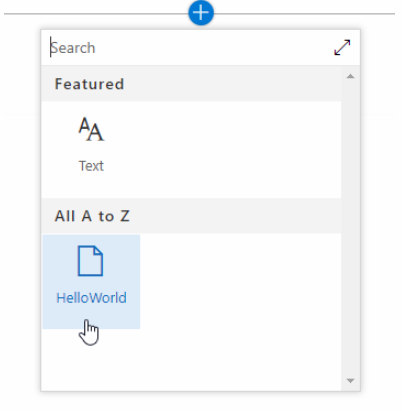
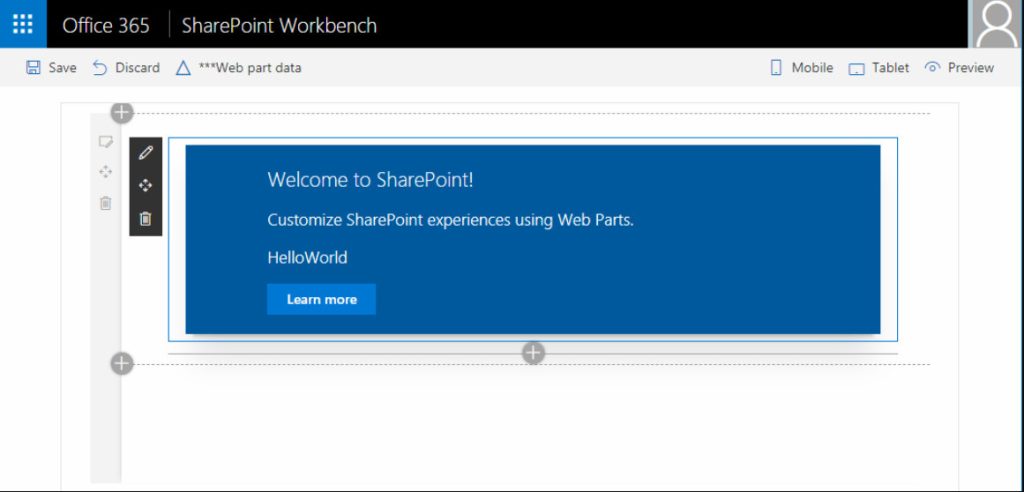
Now once the certificate is installed we can preview the web part by running the below command –
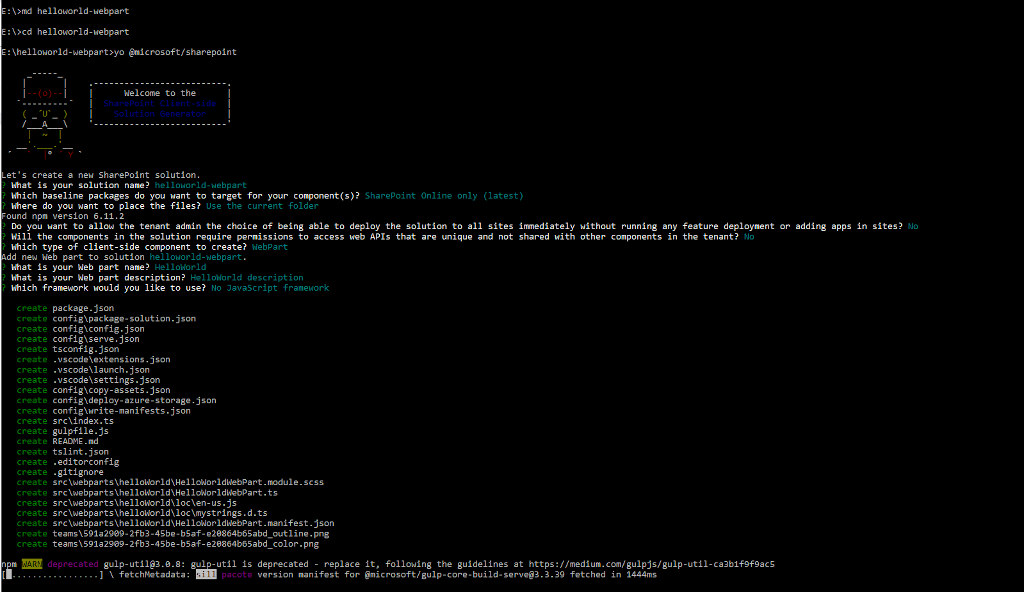
For the customization to be made in the code being created from the command prompt we can open the project from the created folder into the Visual Studio code and do the required changes there. The language used in this Web part is TypeScript which is a typed version of the Javascript
“gulp serve” command set up a local server and started that to preview the web part so whenever we want the stop it – we can press the CNTRL+C and Hit Y in the Command prompt. While making changes to the files and pressing CNTRL + S from any IDE will refresh the web page automatically.
We can also test the Web part with the actual data without deploying it to SharePoint Online by following the below URL – https:///_layouts/15/workbench.aspx