A core feature of Microsoft’s Power Platform, Power Automate is a cloud-based workflow engine that automates process automation with low code. Microsoft Flow, earlier known as Business Process Management software, allows organizations to monitor their processes via networked data sources, and constructs streamlined applications based on their business rules.
Power Automate automates repetitive tasks such as file synchronization, receiving notifications, collecting data, and creating reports for entrepreneurs and employees to improve operating efficiency.
The demand for organizations to share their Office 365 or custom applications with external users has grown significantly over the last few years. It is now easier to share these apps while keeping your data safe with Azure Active Directory, whether you are a Business – to – business (B2B) or Business – to – consumer (B2C) client.
To add any external user or to share the site with external user, we need to go and share the site with the external users manually. It is good until and unless we need to share it with limited number of users.
But it is not possible to share the site and add the external users on the fly.
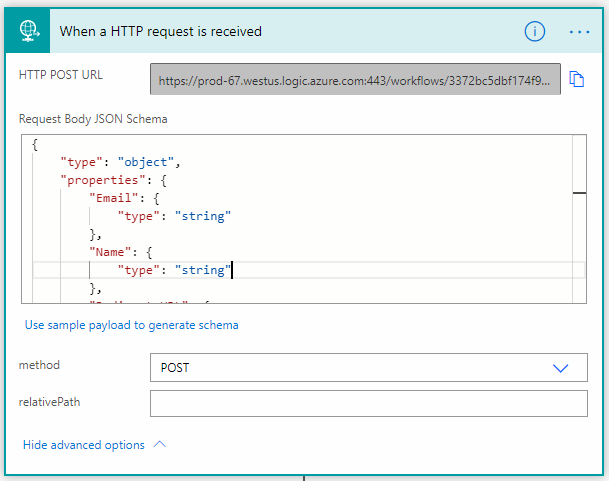
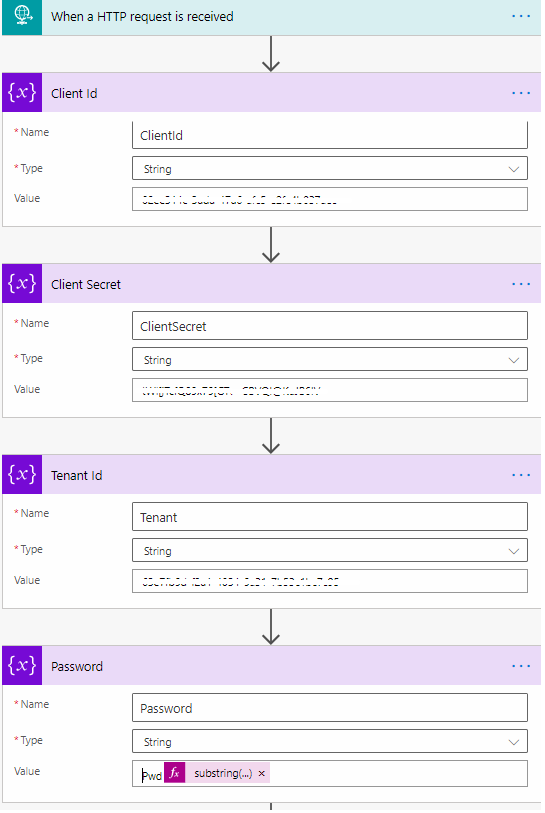
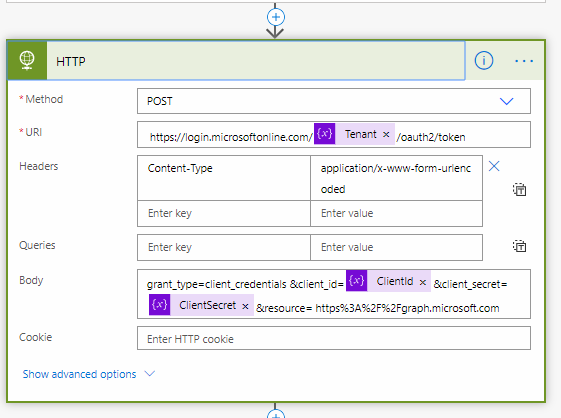
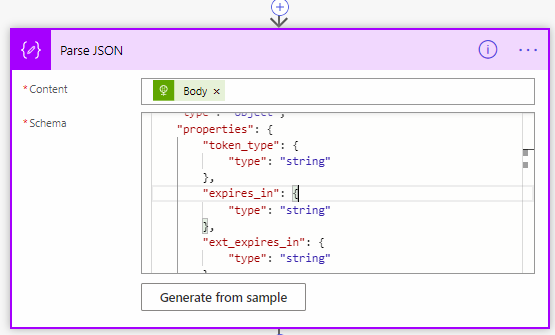
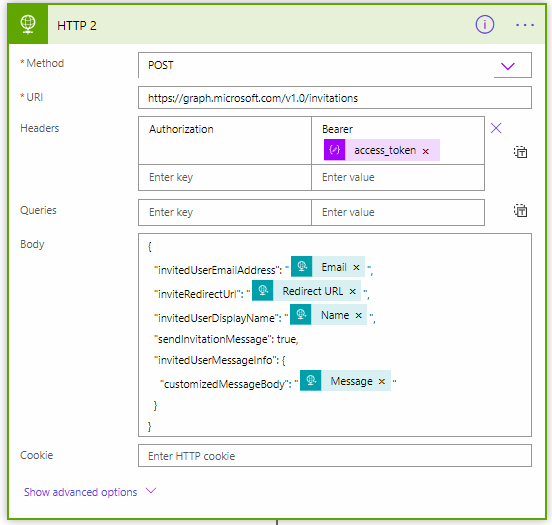
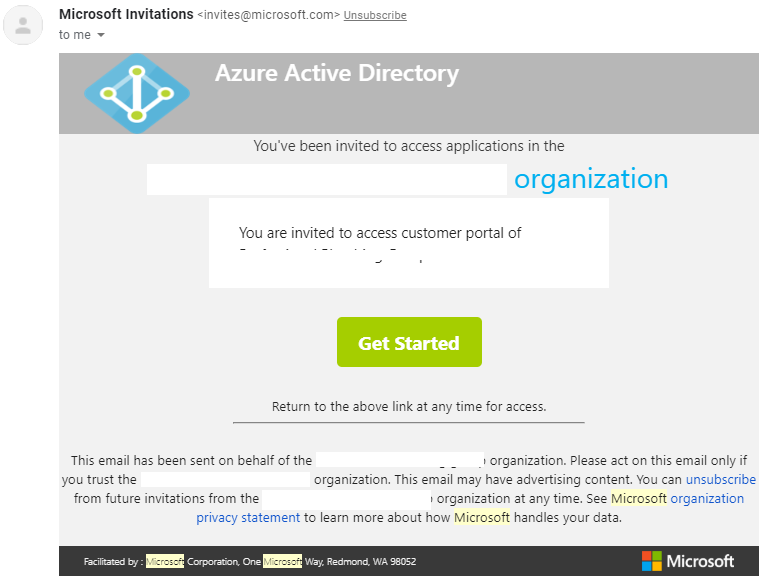
This blog will guide you how this can be easily done by using Power Automate in integration with Azure Active directory.
Let’s get started
First we need to create a Power Automate (Flow)